How each video is made
Every video is made the same way, in five steps. The elf's size is locked first in a still picture, and the video is then made between two fixed pictures, so he ends at exactly the right size on the right spot.
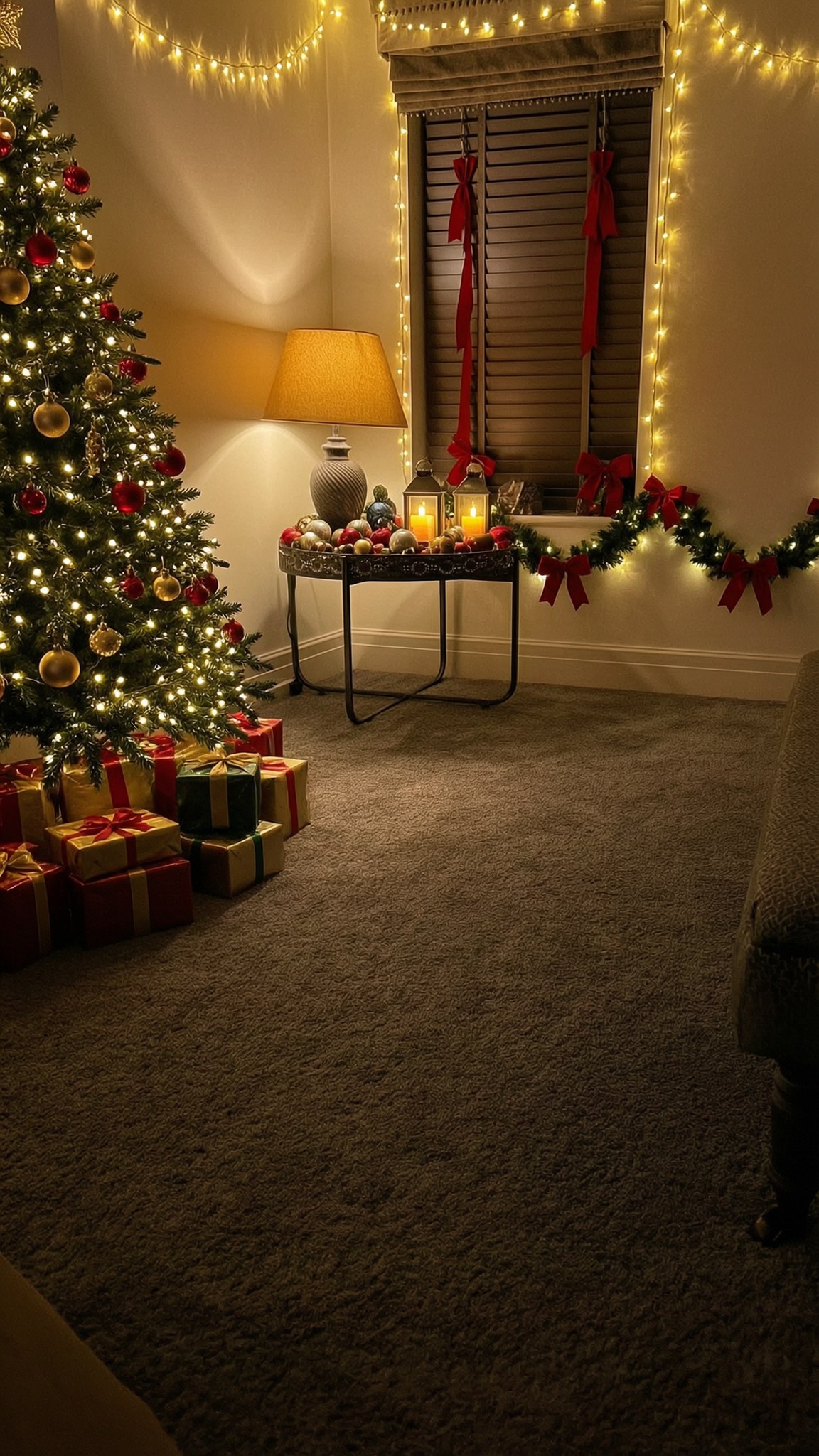
1The empty room
One photo of the room at night with the lights on, taken from high in a corner like a hidden camera, upright (portrait). This is the first frame of every arrival and the last frame of every exit.
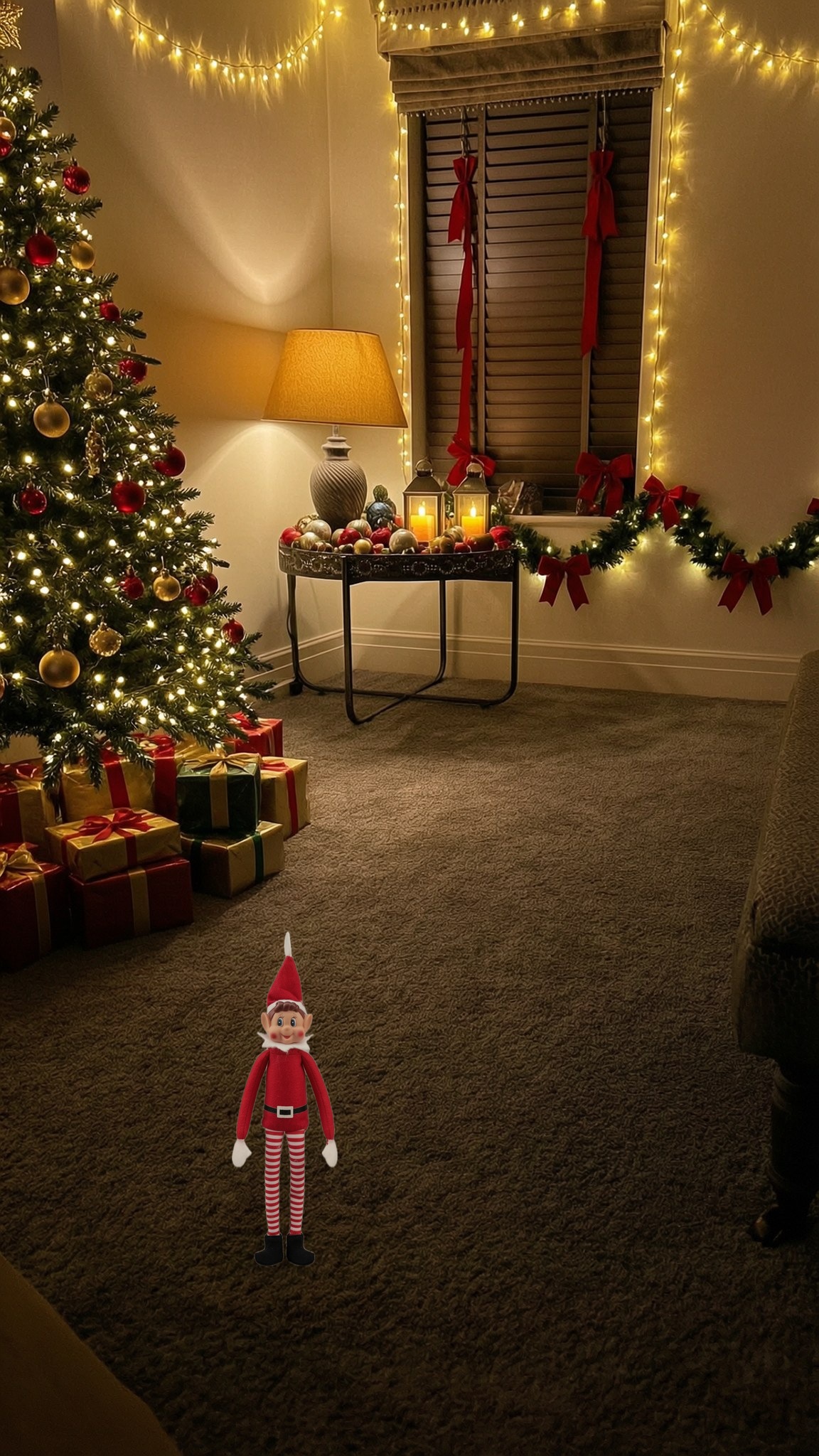
2Mark his spot
A toy elf is placed on the parent's spot at a believable size. That marks where he ends and how tall he is. His box on this room: 326 to 474 across, 1310 to 1780 down, on a 1152 by 2048 picture.
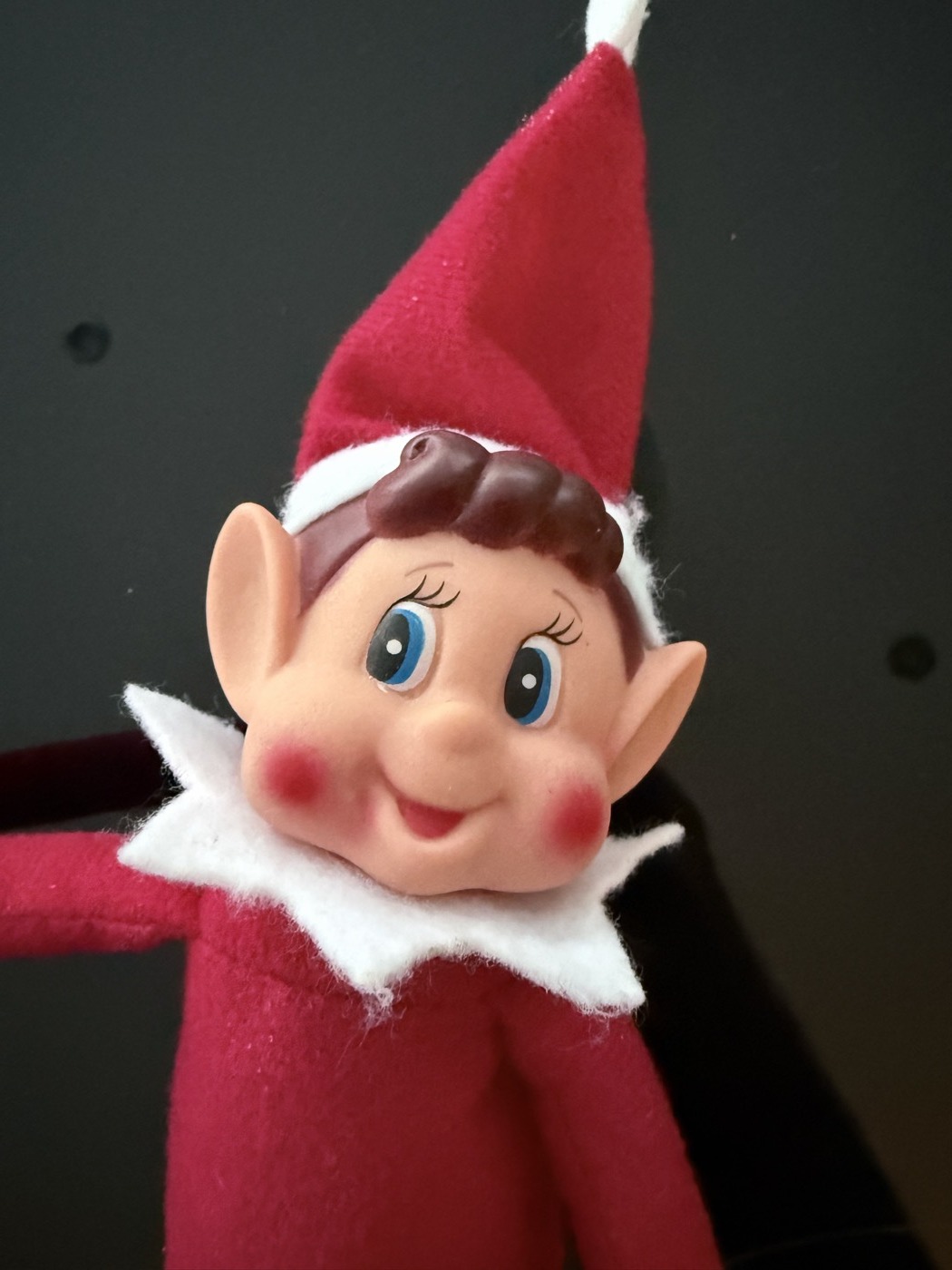
3The end picture
Wan 2.7 Image draws the end picture from the picture prompt, given three pictures: image 1 is the marked room, image 2 is the elf's face and costume, image 3 is the empty room. It may only draw inside the box (60 to 740 across, 1290 to 1840 down). Two seeds per idea, best one kept.
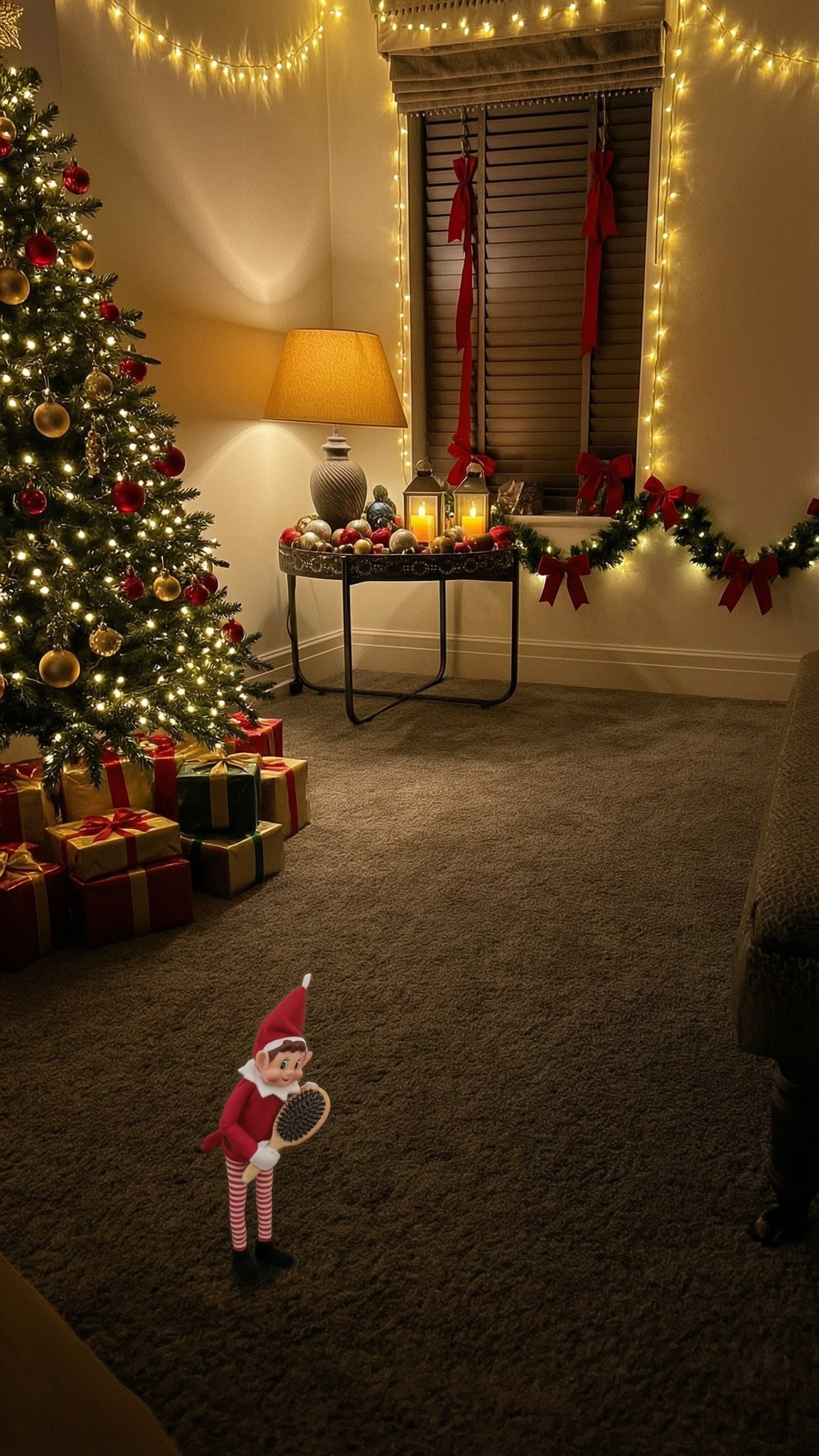
4Size lock
A size check (autofit2) cuts the new elf and his props out and sets him back on the empty room at exactly the marked height, so every video ends with him the same size. Props stay whole and nothing above his hat is copied.
5The video
MiniMax H3 Lite, 12 seconds, 480p, from the video prompt. Arrivals: first frame is the empty room, last frame is the end picture. Exits are the other way round. Every video is then checked frame by frame.
Rules written into every prompt
- Fixed camera like a hidden security camera; nothing in the room moves.
- Exactly one elf, a real felt toy, tiny, the same face and costume every time.
- He is busy with his own business and unaware of the camera; his eyes stay on what he is doing.
- He travels: in from the back or far side of the room, growing only as much as coming closer makes him.
- He ends side-on on his spot, absorbed in his task.
- Every word is positive. MiniMax reads "no", "not" and "never" as an instruction to do the thing, so the build refuses any prompt containing them.
- Sound: tiny squeaks and hums, never words, and a short soft tune.
- New rule from Paul: he can leave the shot but never goes through a wall. (This one is for us, not for the prompt, because of the positive wording rule.)
How the prompts are built
- The first three sentences of every picture prompt are the same. They lock the camera, the room and the elf.
- Then one or two sentences about his props, then how he stands and where he is looking.
- Every video prompt starts with the same camera and size paragraph, then gives a timeline (0 to 5 seconds, 5 to 9, 9 to 12).
- It ends with "In the last frame", repeating the props so the video lands on the end picture, then the sound.
- So to change what happens, edit the timeline. To change how he ends up, edit the props sentence in both prompts so they match.
Using a new living room
What to send me
- A photo of the empty room at night, lights and tree lights on, taken from high in a corner, upright, phone held still. No people or pets.
- The same photo with a toy elf (or anything elf sized) standing on the spot where parents will find him.
- That's it. I redo steps 2 to 4 for the new room, then remake the videos you pick.
What changes in the prompts
- Most of each prompt works in any room.
- Some lines describe this room, for example "out from under the tree" or "behind the presents at the back". Each video below has orange tags showing which room words it uses.
- If the new room has no tree or presents in view, change those words to things that are there, such as "from behind the sofa".
The 13 prompts
Each one shows the finished video, the end picture it was made to land on, both of your board notes, and the two prompts. Edit straight into the boxes. They save a moment after you stop typing, and Back to original undoes your edits.